Starlink Business Internet for Orange County
Starlink Business makes sense for Orange County companies in two very different situations: as the primary connection for a site where wired internet is slow, unreliable, or unavailable, and as a failover link behind fiber or cable so the business stays online when the primary goes down. This guide covers when each model fits, what a commercial install actually includes, and how to wire Starlink into an existing network with automatic failover.
Independent installer note: we install Starlink hardware for Orange County businesses. We are not a Starlink reseller, we do not sell the data plan, and we are not affiliated with SpaceX. You procure the kit and the Priority data plan directly from Starlink. We handle the physical install, the network integration, and the failover configuration.
When Starlink Business as Primary Makes Sense
Most OC commercial areas — Irvine Spectrum, South Coast Metro, John Wayne Airport corridor, Anaheim platinum triangle, Santa Ana civic center — have good fiber options from a handful of carriers. In those areas, Starlink is rarely the best primary. You can get symmetrical gigabit fiber with sub-5ms latency for a similar monthly spend.
Where Starlink shines as primary:
- Rural and semi-rural OC pockets — Silverado Canyon, Trabuco Canyon, Modjeska, Santiago Canyon, parts of upper Yorba Linda
- New construction and pop-ups — offices waiting 6 to 12 months for fiber install
- Temporary job sites — construction trailers, event venues, film shoots
- Buildings with blocked fiber access — older buildings where conduit is full, HOA-governed commercial properties where new service drops are denied
- Redundancy-critical single-site operations — clinics, retail, legal where the business cannot lose a day of internet
- Maritime and waterfront operations — Newport Harbor, Dana Point Harbor commercial vessels
In those cases, Starlink with a Priority data plan gives you reliable 150 to 300 Mbps with latency in the 30 to 60 ms range — more than enough for voice, video, point of sale, and cloud applications.
When Starlink as Failover Makes More Sense
For the majority of OC businesses that already have solid fiber, Starlink is a strategic failover — a second, completely independent path to the internet that kicks in automatically when the primary goes down.
The math on failover is simple: fiber goes down two or three times a year, sometimes for hours, and a single outage during business hours costs a lot more than the monthly Starlink bill.
Starlink as failover is attractive because:
- It is completely path-independent from your fiber (no shared conduit, no shared carrier upstream)
- It does not rely on a cellular tower being up (5G failover often goes down when fiber does, during power outages)
- It works when a truck hits a pole down the street
- The monthly cost is modest compared to a second fiber circuit from a different carrier
What a Commercial Install Includes
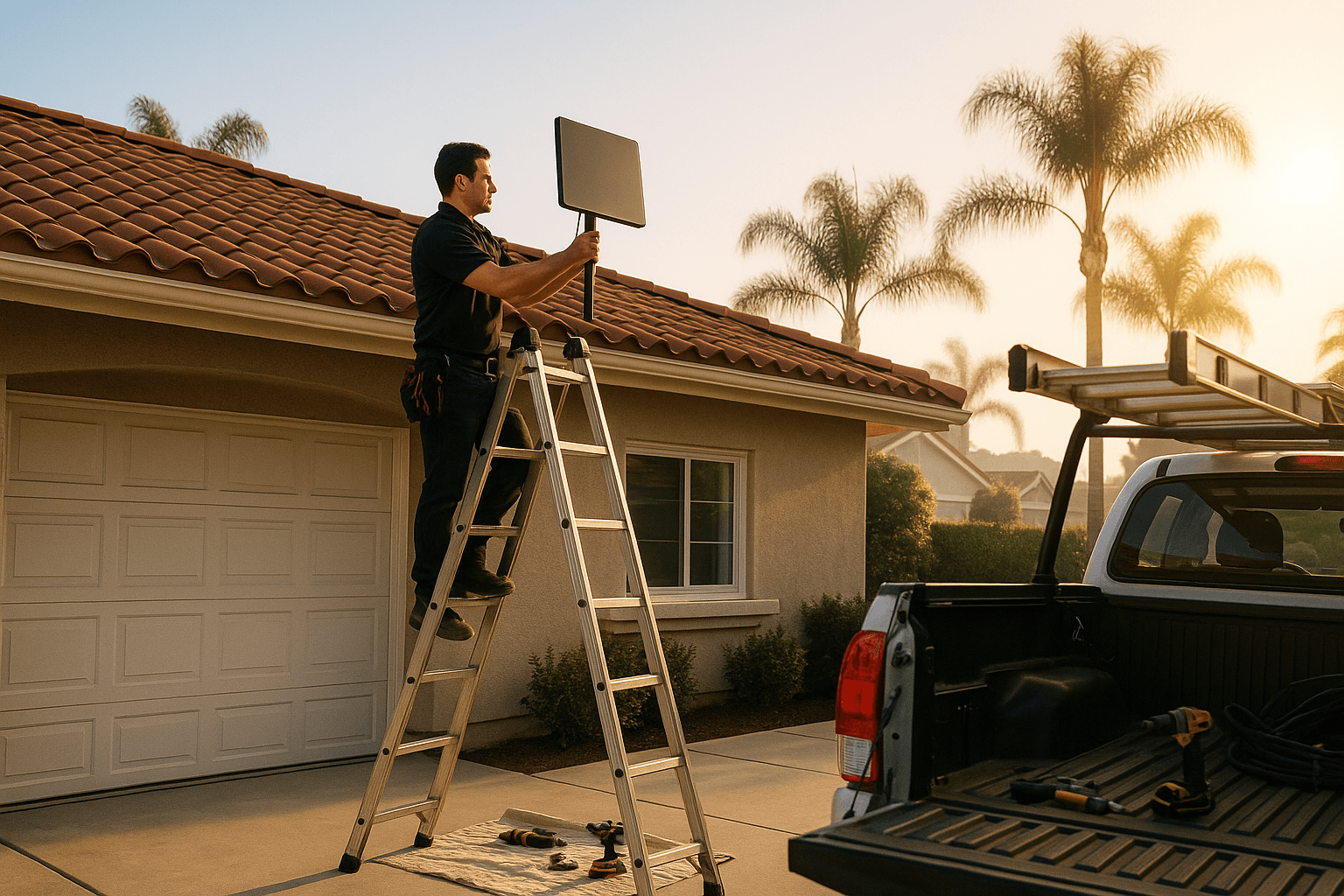
A full commercial install is more than "bolt a dish to the roof." Here is what goes into it:
| Phase | What We Do |
|---|---|
| Site survey | Rooftop access, mount options, obstruction scan, cable path to the network closet, power availability |
| Mount | High Performance dish on a commercial-grade ballast, pole, or penetrating mount sized for wind and code |
| Cable run | Sealed penetration (or non-penetrating route), shielded Cat cable, grounded entry |
| Grounding and surge | Per NEC, lightning and surge protection at the entry point |
| Network integration | Patch into dual-WAN or SD-WAN router, VLAN and firewall configuration |
| Failover policy | Health checks, failover priority, notification on cutover |
| Documentation | As-built network diagram, photos of mount and cable path, login credentials handed off |
| Testing | Induced failover test — we unplug fiber and watch Starlink take over while a live video call stays up |
A typical single-site commercial install in OC runs 1 to 2 days depending on complexity. Multi-site rollouts for chains or franchise operations are scheduled over several weeks.
The Failover Router — The Part That Matters
The dish and the data plan are the easy part. What makes a Starlink failover setup actually work is the router in the middle. We recommend one of three platforms depending on the business size and existing IT setup:
Peplink
Our default for small and mid-size OC businesses. Peplink's SpeedFusion technology can bond multiple WANs, which means Starlink and fiber can be used together for aggregate throughput when both are up, and either can carry the full load when the other drops. Peplink's cutover is fast — typically under three seconds for most sessions.
Ubiquiti UniFi
Good for businesses that are already on the UniFi stack. The UniFi Gateway line supports dual-WAN with automatic failover and clean reporting in the UniFi dashboard. Cutover is fast. Bonding is not as robust as Peplink.
Cisco Meraki
Our recommendation for multi-site businesses with an existing Meraki deployment. The MX security appliances handle Starlink as a secondary WAN natively, with cloud-managed policy and monitoring. Meraki is a subscription model — factor that into the lifetime cost.
For any of these platforms, we configure:
- Health checks (DNS, ICMP, or HTTPS) to determine when to fail over
- Priority policy (which traffic gets which WAN, which apps tolerate failover vs which must stay sticky)
- Notification (email or SMS when failover happens and when it recovers)
- Reporting (so you can see how often Starlink saved the day)
Common OC Commercial Install Scenarios
A few real-world examples of installs we do regularly:
- Irvine small office, 15 seats, existing Cox fiber — dish on roof ballast, Peplink dual-WAN, failover transparent to employees. $2,200 install, roughly 1-day job.
- Costa Mesa retail store with POS uptime requirement — dish on eave, UniFi dual-WAN, Starlink as primary failover for POS traffic. $1,800 install.
- Santa Ana warehouse, no fiber available for 9 months — High Performance dish as primary, Peplink balance router ready to add fiber when it arrives. $2,400 install.
- Multi-site dental practice, 4 OC offices — Meraki MX at each site, Starlink failover at each, rolled out over 6 weeks. Priced per site.
- Anaheim production company with variable live-event traffic — Starlink primary bonded with LTE for redundancy on field shoots. Custom pricing.
HOA and Landlord Considerations
Commercial properties often have their own architectural committees or landlord restrictions. We handle:
- Mount plan submittals to building owners and property managers
- Roof access coordination and certificates of insurance
- Non-penetrating mount options for buildings with roof warranty restrictions
- Work within weekend or after-hours windows to avoid tenant disruption
For tenants, we ensure the install is removable so a future move does not leave you with an abandoned dish on someone else's roof.
Service Plans and Priority Data
Starlink offers business-tier Priority data plans at several tiers. We can recommend a starting plan based on your typical monthly usage pattern. Most small OC offices land on the mid-tier plan and only a handful ever need the top tier. You can change plans monthly — we help you right-size based on your first-month usage data.
Ready to Discuss a Commercial Install
Every commercial install is different. The right answer for your Orange County business depends on your existing connectivity, your uptime requirements, your building, and your network stack. Request a commercial consultation or call (714) 474-5075 and we will schedule a site walk and build a scoped quote. Residential installs start at $695; commercial installs are quoted by project.